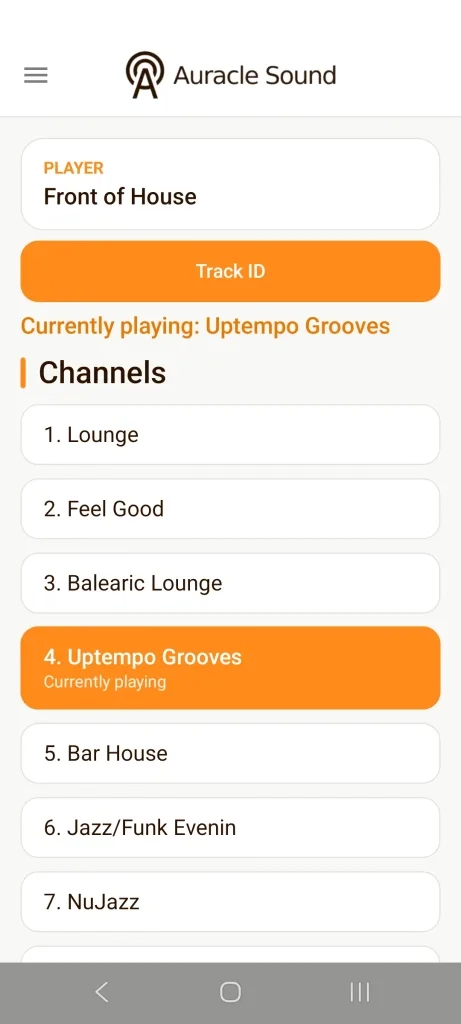
Take Control of Your Atmosphere: The New Auracle Sound Remote Control App is Here!
Managing the background audio of your business just got easier, smarter, and more convenient. We are thrilled to announce the official release of the updated Auracle Sound Remote Control App, now available on both Android and iOS!
Whether you run a vibrant restaurant, a boutique hotel, a retail store, or a fitness center, having complete control over your music atmosphere is essential. Our updated app gives you total command over your Auracle Sound hardware player straight from your smartphone or tablet over your local Wi-Fi network.
What’s New in Version 2?
We’ve listened to feedback from our valued client network and introduced powerful new features designed to make managing your soundscape effortless:
- Now Live on iOS & Android: iPhone and iPad users can now join Android users in enjoying full remote playback management across iOS and Android devices.
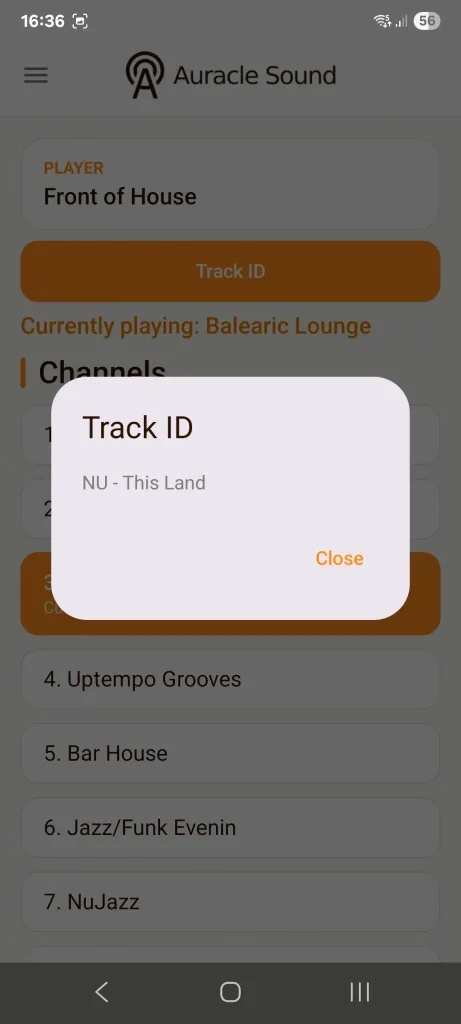
- Real-Time Track ID: Wondering what song is setting the perfect mood right now? The brand-new Track ID feature displays live track details directly within the app.
- Seamless Volume Control: Adjust playback volume on the fly without having to walk over to your main amplifier or hardware player.
- Instant Channel & Playlist Switching: Effortlessly switch between curated channels and preloaded playlists to match the energy of your venue throughout the day.
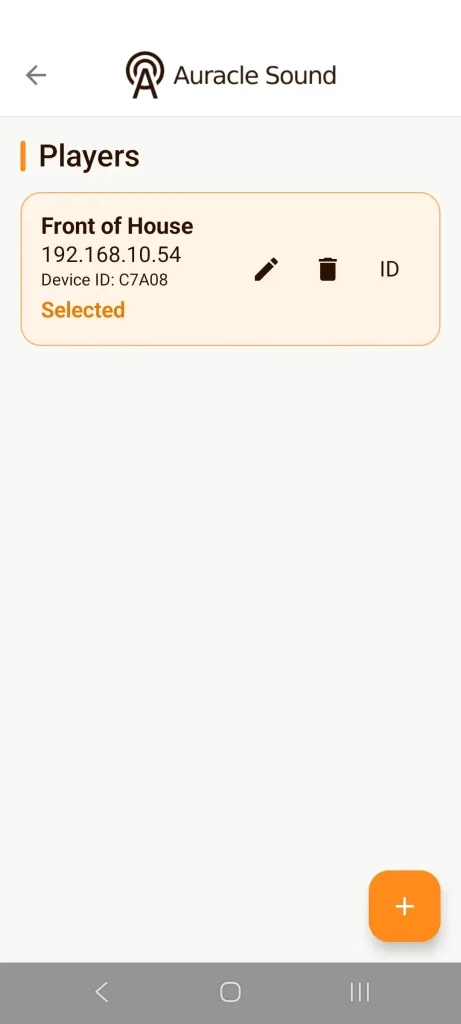
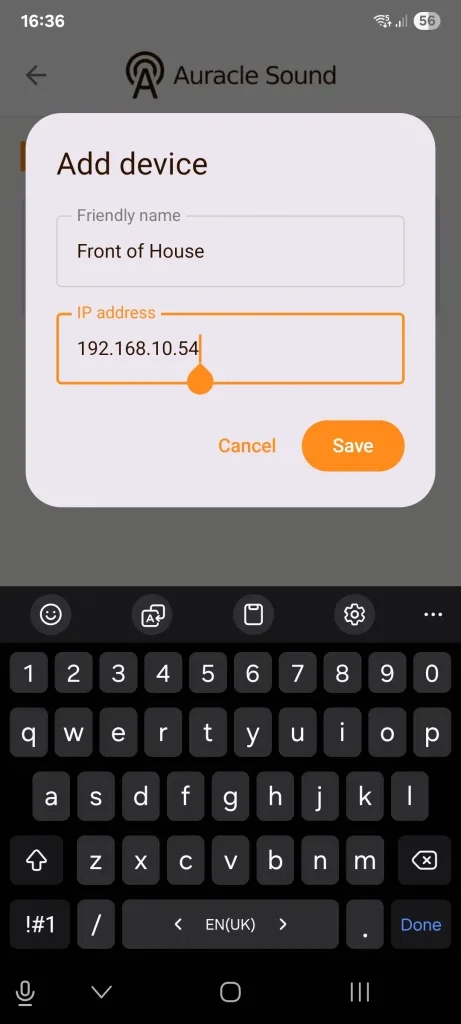
- Multi-Device Support: Manage multiple Auracle Sound players and zones across your network from a single interface.
Designed for Modern Business Environments
The Auracle Sound Remote Control App connects directly over your local area network (LAN/Wi-Fi), providing reliable, low-latency control for your venue staff. Whether you need to tone down the volume for a quiet meeting or switch to a high-energy playlist for peak business hours, full control is always right at your fingertips.
Get Started Today!
Download the Auracle Sound Remote Control app today on your preferred mobile platform:
Note: The remote control feature operates over your local network. Ensure your Auracle Sound hardware player is connected to the same Wi-Fi/LAN network and network remote access is enabled. For assistance, reach out to our team at support@auraclesound.co.uk.